
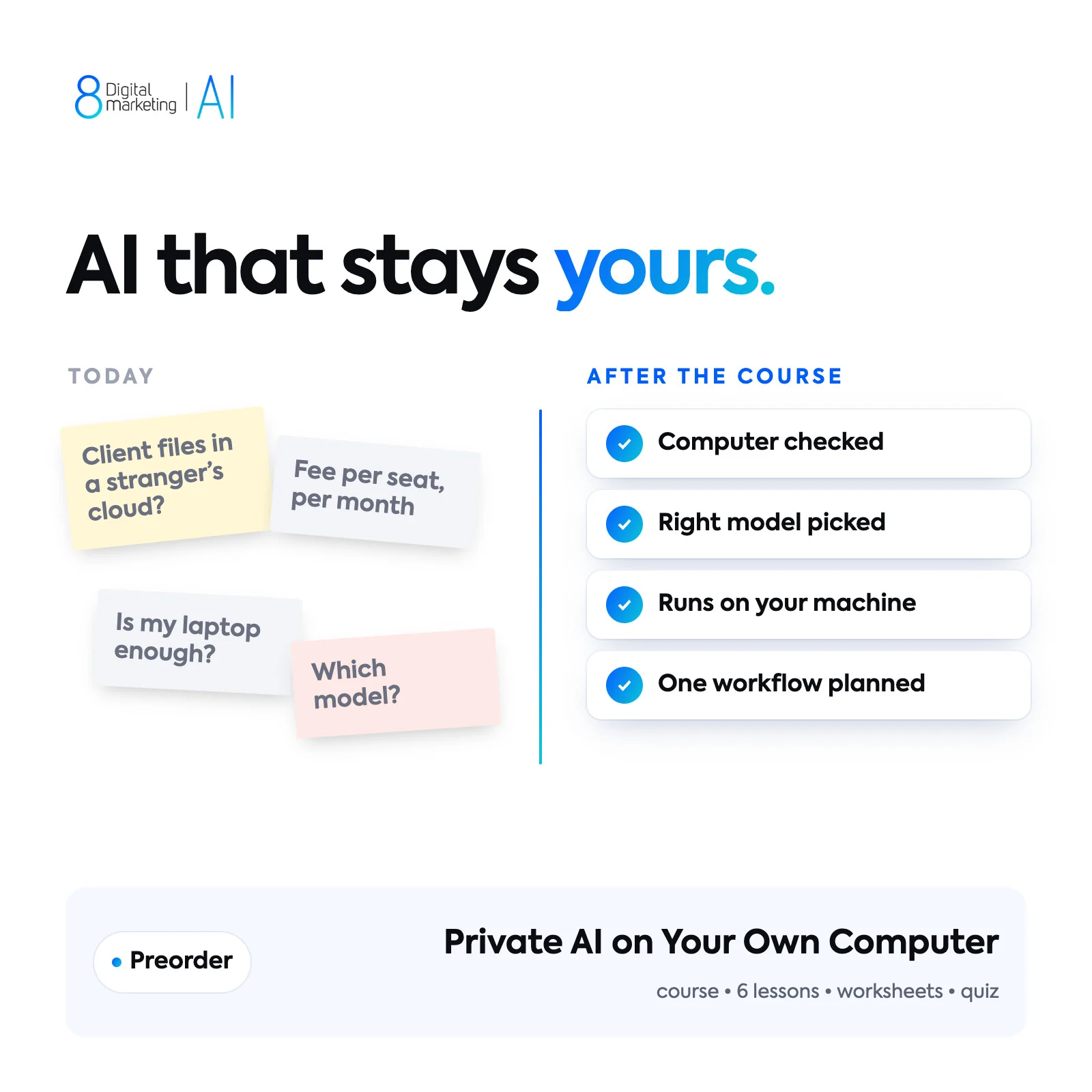
Private AI on Your Own Computer
Check your computer and plan a useful local AI workflow.
What you’ll be able to do.
People who want more control over where their prompts and files go.
Check your computer and model requirements
Plan a local AI workflow you can test
Review network access and data handling
Here’s what’s inside.
4 course modules. Hardware, setup, testing + privacy.
- 01
Understand local versus hosted AI
- 02
Check memory, storage, and model licences
- 03
Install and test a local workflow
- 04
Check network access and data handling
Your questions.
How do I get access?
Preorder your course. Access instructions arrive by email when lessons open.
Are AI tool subscriptions included?
No. Any tools, provider accounts or paid usage are separate. Check those costs against the workflow you want to learn.
What if I need to cancel?
Request a full refund any time before lessons open, or within 14 days after access opens. Email hello@8-digitalmarketing.com using your order email. See the Refund & cancellation policy for details.
Delivery & access
Preorder now. Access details are sent by email when lessons open.
Before you start
People who want more control over where their prompts and files go. Bring a real task and non-sensitive source material.
Purchase details
Running a model locally does not make every connected app private. Full refund any time before lessons open, or on request within 14 days after access opens. See the refund policy for details.